Open topic with navigation
Reallocate Client Funds Amongst Models
Use the "Reallocate" feature from the subaccount
window to quickly redistribute invested funds among Models.
To reallocate funds among Models
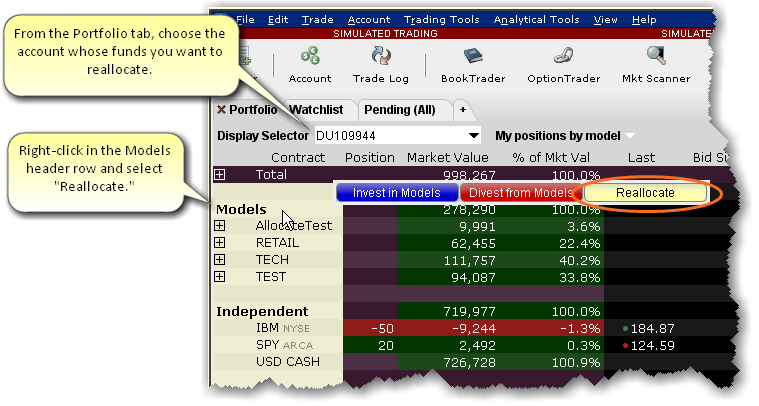
- From the Portfolio tab, select the client
whose investments you want to reallocate.
- Right-click the Models
header row.
- Select Reallocate.
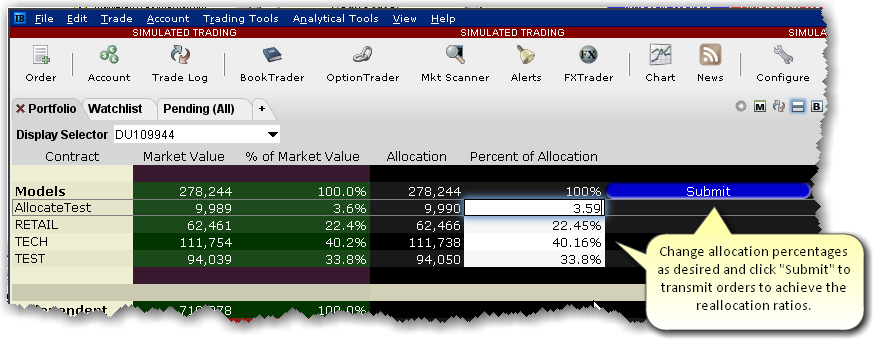
- Modify the Percent of Allocation as desired
for the existing models.
- Click Submit
to transmit reallocation orders.