You can monitor all aspects of your models and investments
using the Display Selector and
Model information dropdown lists.
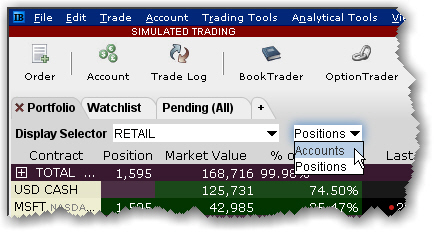
From the Display Selector, choose a Model
and see:
Accounts:
Invested accounts and the percentage of each account's total investment
invested in the Model.
Positions:
All Positions held in the selected Model, along with the market value
and the allocation ratios.
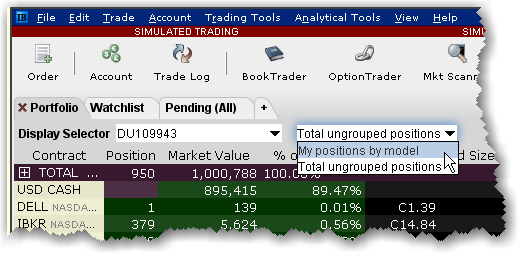
From the Display Selector, choose an account and see:
My positions
by Model: All positions held in each Model for the chosen account.
Total ungrouped
positions: All positions held outside of the Models (ungrouped
positions) for the chosen account.
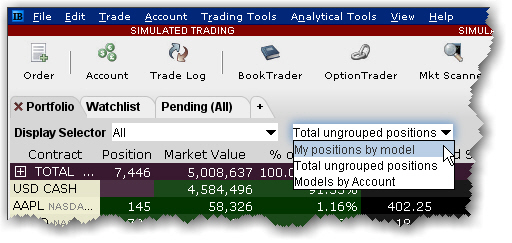
From the Display Selector, choose All
and see:
My positions
by Model: All positions held by all accounts, sorted by Model.
Total ungrouped
positions: All positions held outside of the Models (ungrouped
positions).
Models by account:
For each account, shows the market value invested in each Model and
the account's percentage of total market value invested in each Model.