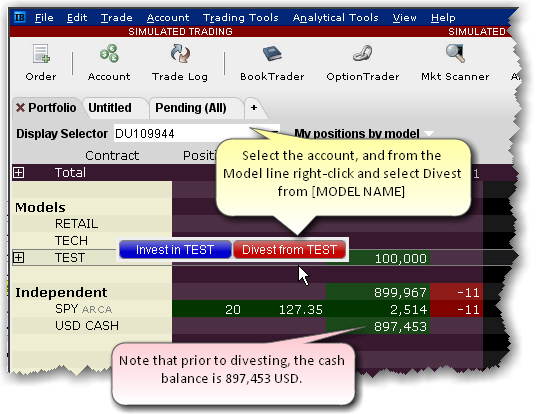
From the Display Selector, choose the client
account that will be divesting from the Model.
Right-click the
Model from which the client wants to divest, and click Divest
from [MODEL NAME].
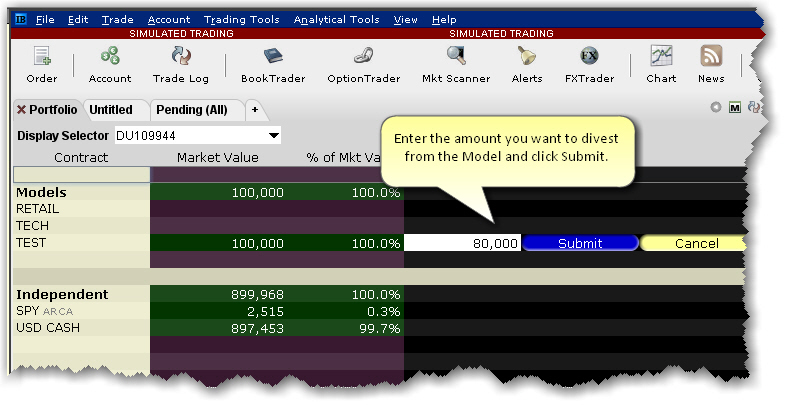
Enter the divestment amount and click
Submit. This action triggers
orders to sell assets in the Model equal to the value being divested,
in the same proportion they are held in the Model.
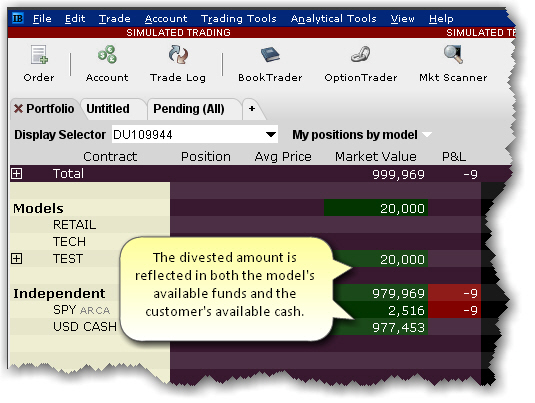
The model's available funds is decreased
by the divestment amount.
The client's cash balance is increased
by the divestment amount.